Daguerre
Photo Frame Studio — your EXIF, typeset like a gallery print
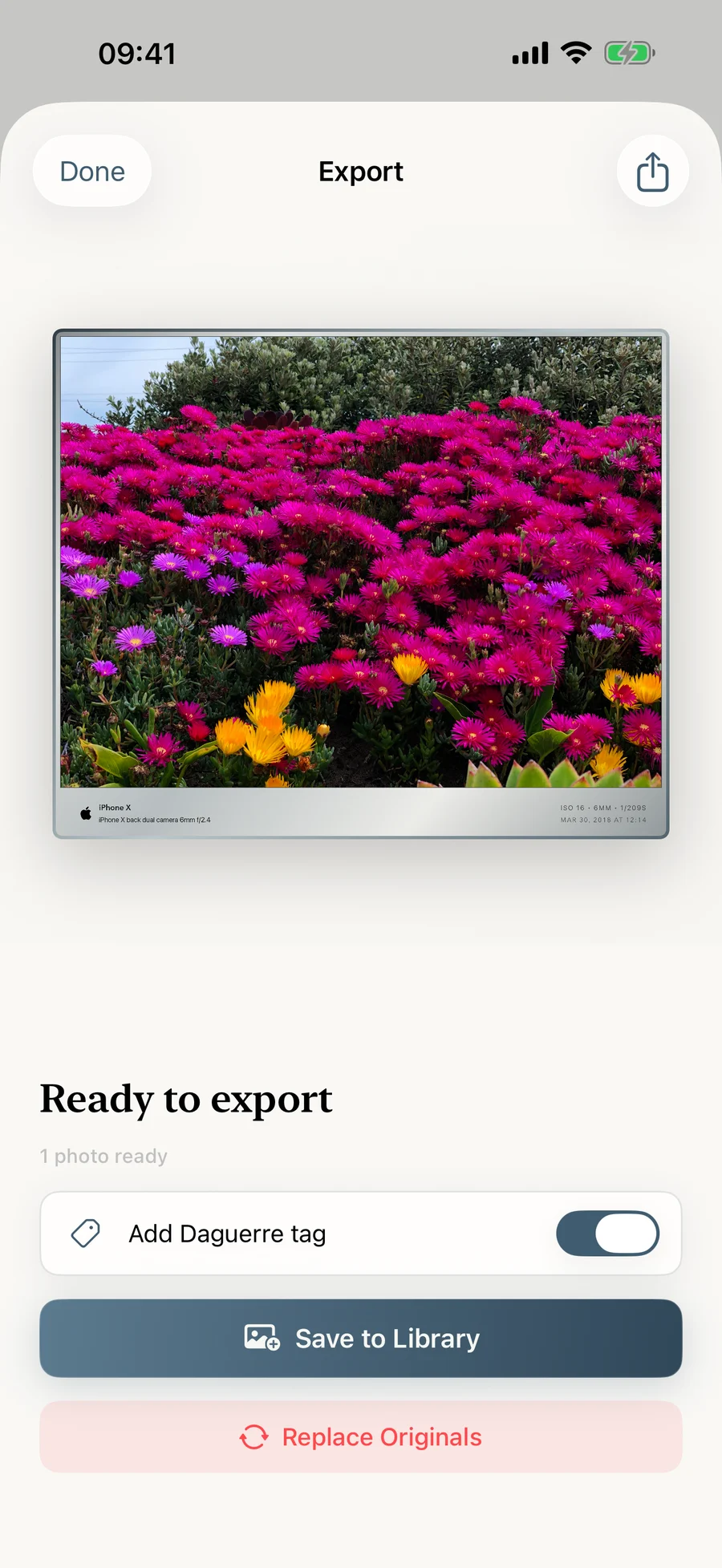
Every photograph has a story written in light — and in metadata. Daguerre turns that story into a finishing touch: an elegant, film-inspired frame with your camera, lens and exposure typeset beneath the image like a caption on a gallery print. Everything happens on your device.
- iOS
- iPadOS
- macOS
Features
What Daguerre does
Eight signature frame styles
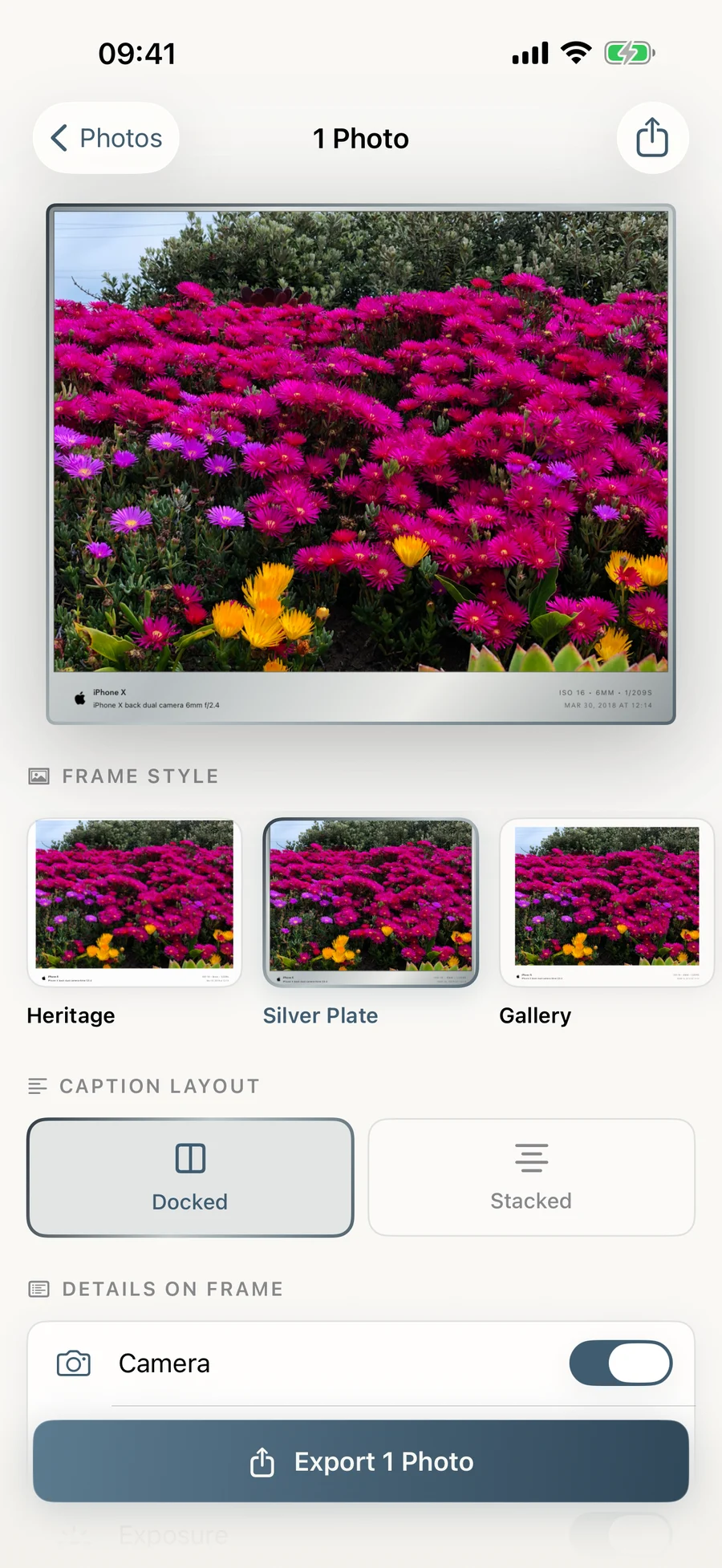
Heritage, Silver Plate, Gallery, Folio, Warmtone, Instant, Noir and Cinema — from a soft white border to a borderless black letterbox with tracked type.
Crafted for photographers
Daguerre reads camera, lens, focal length, aperture, shutter speed, ISO and date automatically. Choose exactly which details appear, and add your own copyright line or signature.
Batch mode
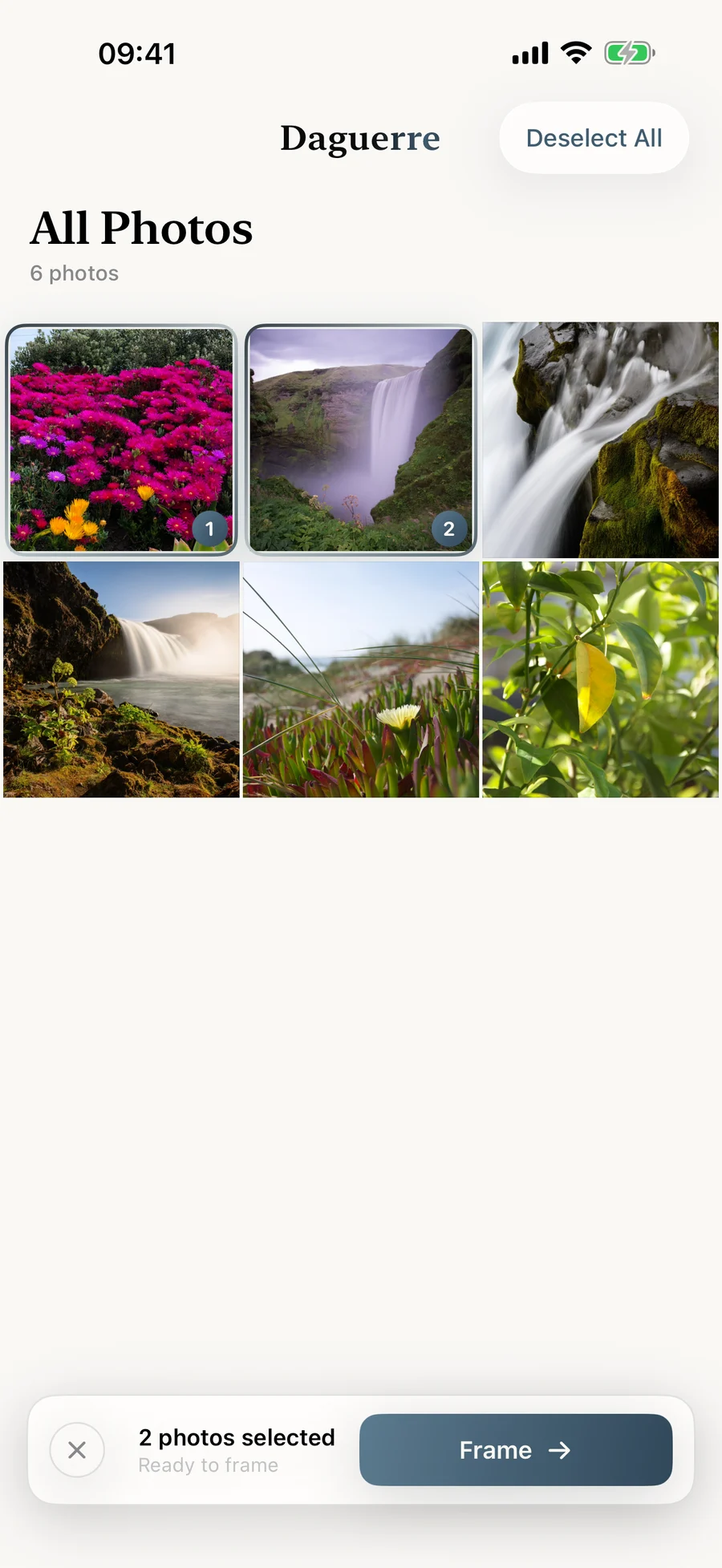
Frame and export an entire shoot in one pass. Long-press any photo to frame it instantly.
Built for your library
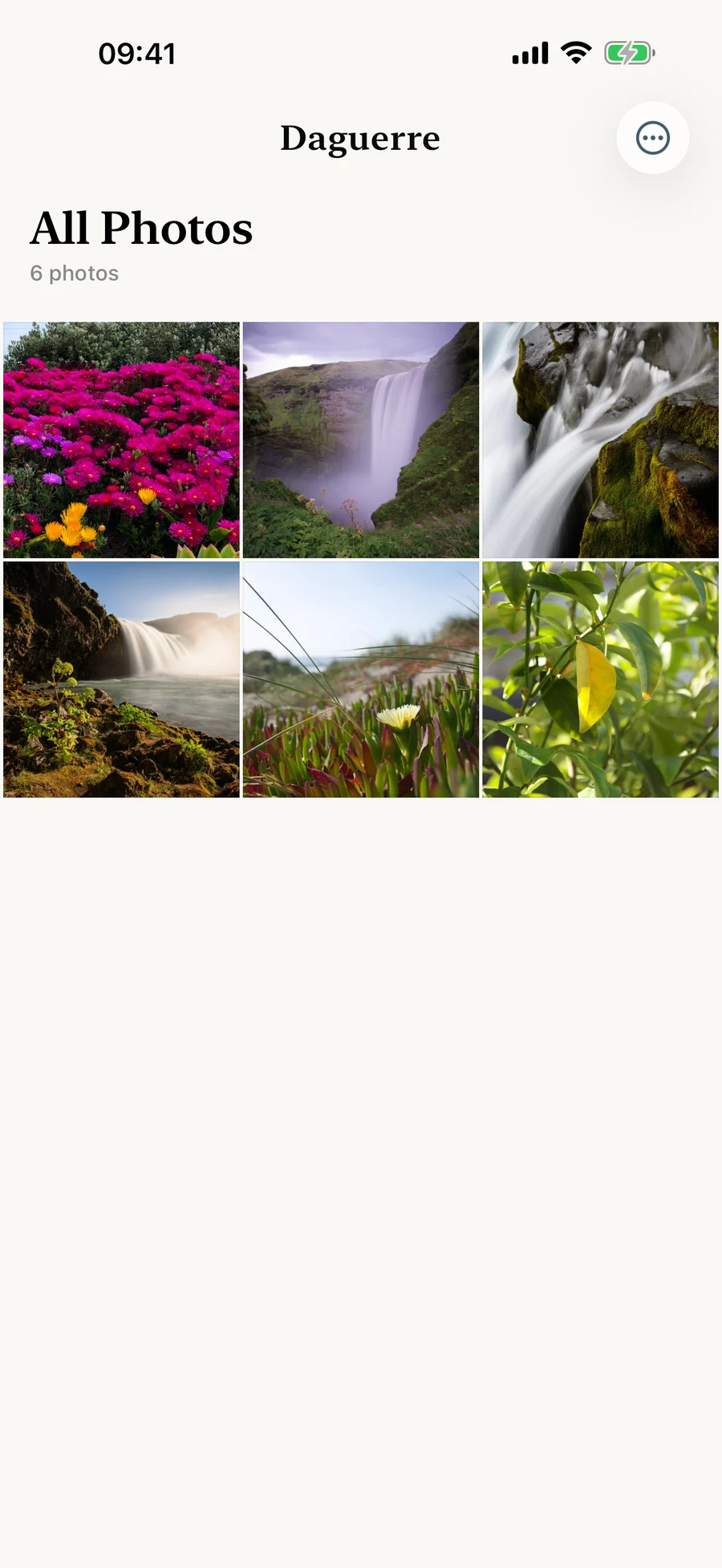
Browse All Photos, Favorites, Recently Added, Screenshots and your own albums. Pinch to zoom the grid just like Photos, and keep pinching to dive straight into a photo.
Designed for iPad
Side-by-side editing with your photo on a gallery wall canvas and controls in an inspector panel. Drag photos in from Files or other apps and they are framed right away.
Private by design
No account, no upload, no tracking. Import only the photos you choose. Export at full resolution — HEIC stays HEIC, PNG stays PNG, EXIF preserved.
Support for Daguerre
For anything else, email [email protected] or visit the support page.